Plan a motorized curtain as a complete system, not as a curtain with a motor added later. Four decisions come first: how the motor will be powered and where that power reaches the track, which motor suits the weight of the curtain and the length of the track, how you want to operate it day to day, and whether it needs to work with a smart home system. Settle these before the ceiling, wall and wiring are finished, because the power route is far easier to prepare early than to add afterwards. A brand or platform logo on a box does not prove that a particular motor, control and home system will work together, so confirm compatibility for the exact models you are offered.
Which Power and Control Questions Should You Answer Before Buying?
Answer the questions that decide the hardware first. Each one narrows the choice of motor and controls, and each one is cheaper to settle before fitting than after.
| Question | Why it matters |
|---|---|
| Will the motor be mains powered or battery powered? | Mains power needs a power point or wiring at the track; a battery motor needs a charging routine |
| Where will the power reach the track, and at which end? | The motor usually sits at one end, and the cable or charger has to reach it |
| How heavy is the curtain, and how long is the track? | The motor must be rated for the load and track length it will move |
| How do you want to operate it every day? | Remote, wall switch, app, schedule or voice each need different equipment |
| Should it join an existing smart home system? | The motor, any hub and the home system must support the same protocol |
| What should still work if the internet is down? | Some functions depend on a cloud service; others work locally |
| Who will hold the app account and settings? | Control should not depend on an installer’s or previous owner’s account |
If you already know you want motorized operation, review the motorized curtains on offer and ask which motor models, controls and power options they include before choosing fabric and track.
What Does the Motor and Power Route Require?
Curtain motor power planning starts with the motor model, because the model decides the power it needs. Choose the model and the power route together. The two common options are a mains powered motor connected to the building’s electrical supply and a battery motor that is recharged periodically.
A mains powered motor needs a supply at the end of the track where the motor sits. In a new fit out or renovation, that usually means planning a concealed cable or a power point in the ceiling or curtain box before the ceiling is closed. Any connection to the building’s wiring should be done by a qualified electrician, and the curtain installer needs to know where the supply will be so the track can be fixed to match. Having the power point, the motor end of the track and the ceiling or wall finish agreed before the appointment is part of how you prepare for curtain fitting, because the installer can then fix the brackets, mount the motorized track and test it in one visit.
A battery motor avoids wiring but needs charging, and the charging point or method has to be reachable once the curtain is hung. Ask how charging works for the specific model and how you will know when it is low.
The motor also has to suit the load. A long track carrying a heavy lined curtain asks more of the motor than a short sheer. Motors are rated for the weight and track length they can move, so the curtain fabric, lining and size need to be known before the motor is chosen.
Which Remote, Wall and App Controls Do You Need?
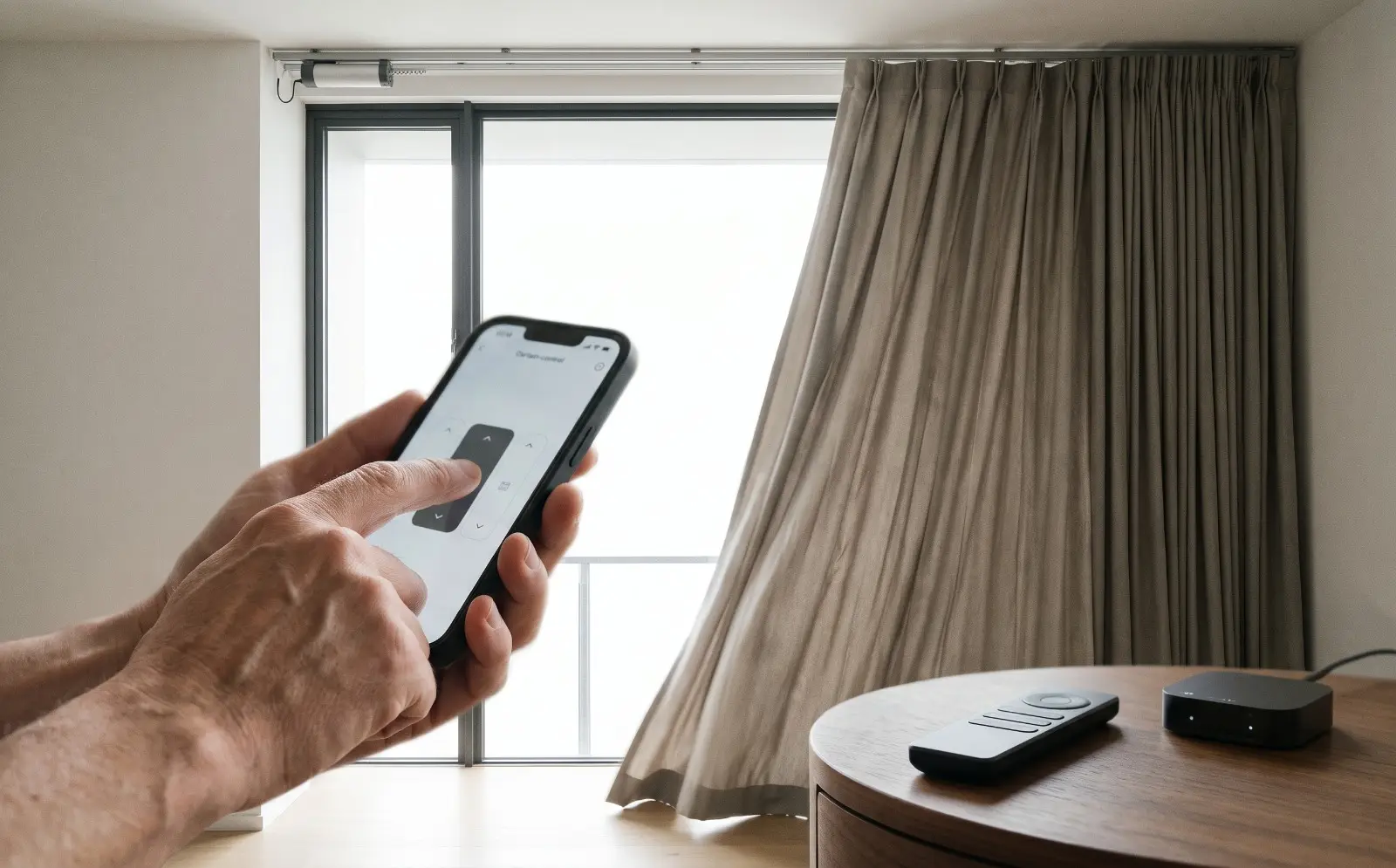
Choose controls by how you will actually use the curtain. Most systems offer more than one way to operate it, and each adds its own equipment.
| Control | What it does well | What it depends on |
|---|---|---|
| Handheld remote | Simple open, close and stop from anywhere in the room | Pairing with the specific motor; battery changes |
| Wall switch | A fixed control by the door, like a light switch | Wiring or a wireless switch compatible with the motor |
| App | Control from a phone, schedules and grouping several curtains | A supported connection, sometimes a hub, and an account |
| Schedules and scenes | Opening at a set time or with other devices | The app or home system that runs the schedule |
| Voice assistant | Spoken commands through a smart speaker | A supported link between the motor system and that assistant |
Think about everyone who will use the room. A wall switch or remote suits guests and family members who do not have the app. If you have two layers on one window, such as a sheer and a blackout curtain, decide whether each needs its own control and whether you want to operate them together.
Which Integration and Offline Functions Should You Check?
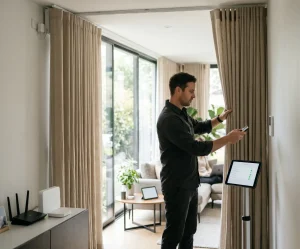
If you plan smart curtain integration, check exactly which home systems the motor supports and which functions work without the internet. These questions are easy to overlook until after installation, when they are hardest to fix.
Protocol and hub. Motorized curtains communicate through a specific protocol, such as a radio remote system, Wi-Fi, Zigbee, Z-Wave or Matter. Some need a separate hub or bridge to connect to an app or home system. The motor, the hub and the home system all have to support the same protocol, so ask for the exact model compatibility rather than relying on a general statement that a brand “works with” a platform.
Shared standards. Newer standards aim to make devices from different brands work together. Matter, maintained by the Connectivity Standards Alliance, lists window coverings and shades among its device types and describes local connectivity between devices. Support still has to be confirmed for the specific motor and controller you are offered, because not every product supports every standard or every function.
Without the internet. Ask what happens when the home internet connection is down. A paired remote or wall switch often works locally, while app control from outside the home and voice commands may depend on an online service. Ask for this to be shown on the actual system rather than assumed.
After a power cut. Ask whether the motor keeps its open and closed positions and schedules after power is restored, or whether anything has to be reset.
Accounts and settings. Make sure the app account is set up in your name, or transferred to you at handover, and that you know how to reset controls or pair them again.
What Should Be Set Up and Shown at Handover?
At handover, the system should work the way you planned it, from every control you asked for. Check that the motor stops at the correct open and closed positions, that each remote, switch and app operates the right curtain, and that any schedules run as agreed. Ask to see what still works with the internet disconnected, how to recharge a battery motor if you have one, and what to do if a control stops responding. Keep the motor model, the controls and the account details with your home documents.
Planning Your Motorized Curtains
The best time to plan motorized curtains is before the ceiling, wiring and track are finished. Decide on power, controls and integration together, confirm compatibility for the exact models, and make sure the installer knows where the power will reach the track.
When you are ready, contact Jabal Al Riad with the window details, the controls you want and any smart home system you already use, and ask which motor and control options suit your curtain.